Projects · 06
Govee Smart-Light Widget for Garmin
Why I built it
I wear my Garmin to bed. My phone charges across the room. So every time I wanted to turn off my smart lights or fan, I had to get up.
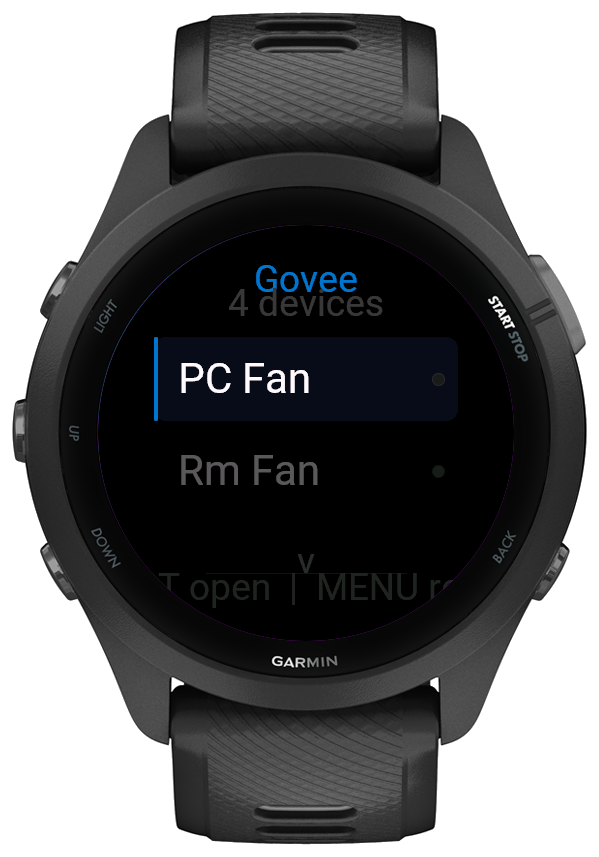
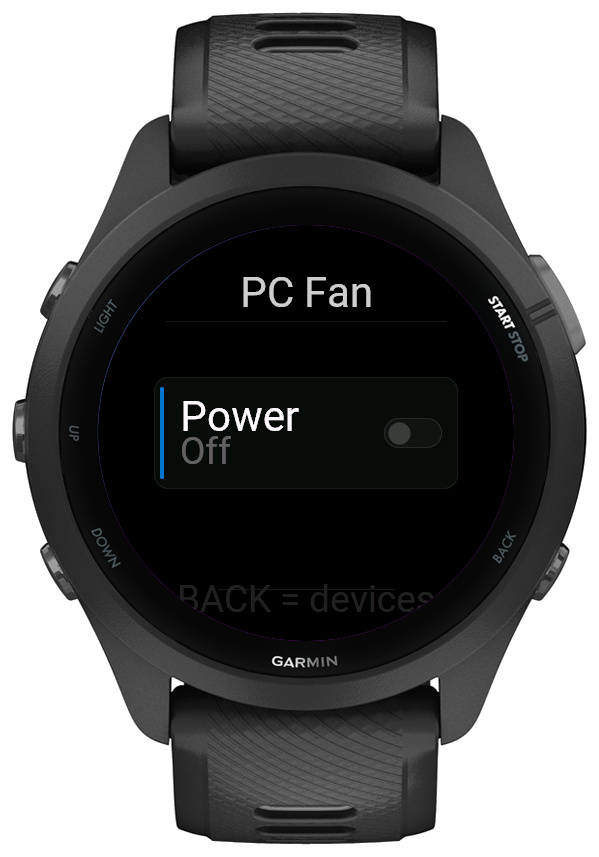
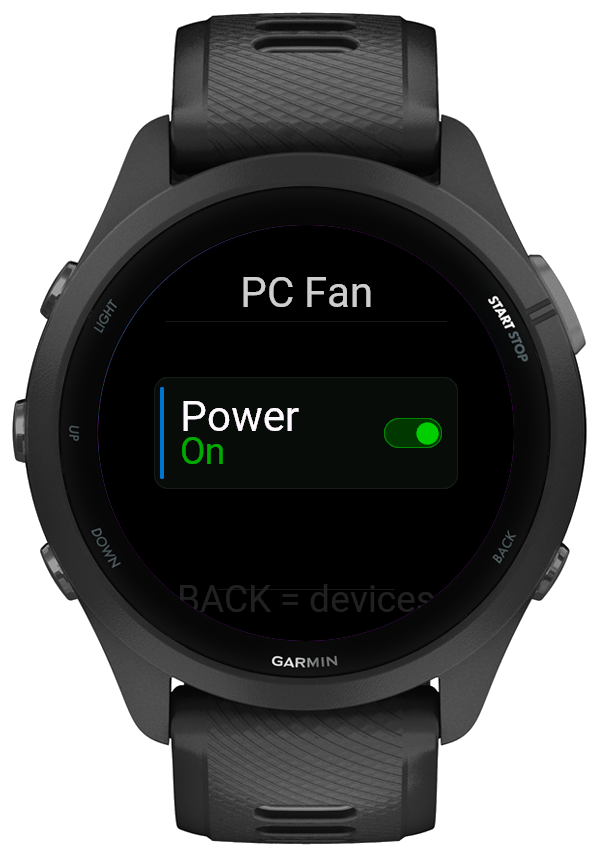
That got old, so I built a Connect IQ widget for my Forerunner 265 that controls my Govee devices from my wrist. Open it, scroll to the light or fan, press START, done. It talks to Govee's cloud API through the paired phone, so the phone can stay on the charger.
It's now in beta on the Connect IQ Store. Tested on my own watch, and used every night.
How it works
- Device list
- Pulls the account's devices from the Govee API and keeps only the ones that can actually be switched on and off.
- Live state
- Fetches each device's power state one at a time from a queue, so the widget never trips the API's rate limit.
- Toggle
- START flips the selected device. Buttons are locked while a command is in flight, so a double press can't send two.
- Glance
- A glance view so it sits in the watch's widget loop like a built-in app.
Making it reliable
- Govee reports power state in a few different formats depending on the device, so the parser checks four response shapes before giving up.
- Every request has a clear message for what went wrong: invalid key, rate limited, no connection, or a bad response.
- Each switch shows three states (on, off, or not yet known) so the watch never shows a light as off when it simply hasn't heard back.
- The layout is built for the Forerunner 265's round 454 × 454 screen, with long device names shrinking to fit.
Now I don't have to be scared of the monsters under the bed when turning off my devices.